Read online or download a PDF with your name on it
Author
Skilmex Experts
Language
English
Pages
60
Access
Lifetime
About this eBook
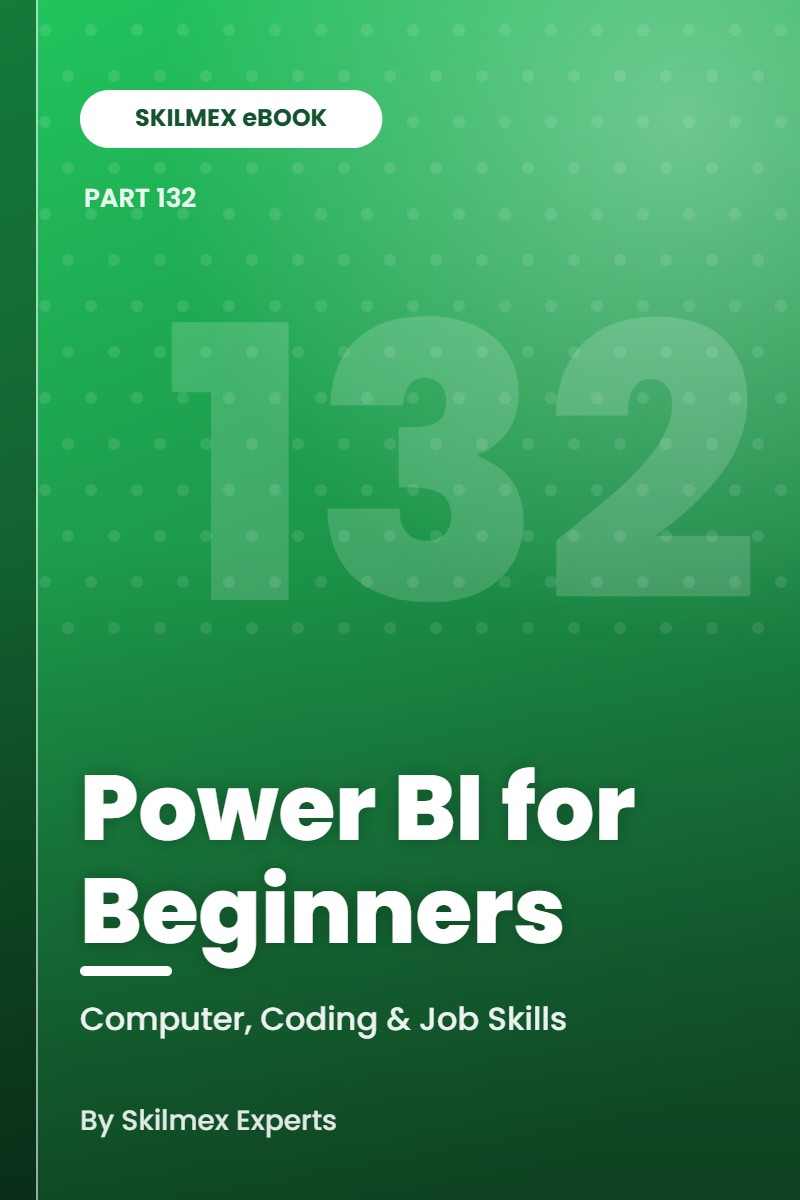
From raw data to interactive dashboards — Power Query, data modelling, DAX measures, visual design, publishing, refresh and a complete sales project. Power BI turns spreadsheets and databases into dashboards that update themselves. This book takes you from installation to a complete, published sales dashboard: cleaning data with Power Query, building a star-schema model, writing DAX measures, designing clear visuals, telling a data story, sharing securely and setting up refresh — with a portfolio checklist and troubleshooting guide.
Who this eBook is for
Students, aspiring data analysts, MIS executives, accountants, managers and Excel users who want to build interactive business dashboards with Power BI and add a sought-after skill to their resume.
What you will learn
- Understand the Power BI ecosystem and install the right tools.
- Import data and clean it with Power Query.
- Build a data model with relationships and a star schema.
- Write DAX measures and understand filter context.
- Design clear visuals with filters, slicers and drill-through.
- Build KPI dashboards that tell a business story.
- Publish, share and manage permissions safely.
- Understand scheduled refresh, gateways and data security.
- Complete an end-to-end sales dashboard project.
- Use a portfolio checklist and troubleshoot common problems.
Inside this eBook
- The Power BI Ecosystem and Installation — Know the tools before you start building.
- Importing Data and Power Query Cleaning — Clean data once — Power BI repeats it on every refresh.
- Data Model, Relationships and Star Schema — A good model makes every report simpler and faster.
- DAX Measures, Calculated Columns and Context Basics — Learn the language that powers Power BI calculations.
- Visual Design, Filters and Drill-through — Design reports people understand in seconds.
- KPI Dashboards and Business Storytelling — Numbers matter only when they lead to decisions.
- Publishing, Sharing and Permissions — Share reports with the right people — and only the right people.
- Refresh, Gateway Concepts and Data Security — Keep dashboards up to date — and data protected.
- End-to-End Sales Dashboard Project — Build a complete, portfolio-ready Power BI report.
- Portfolio Checklist and Troubleshooting Guide — Show your work well — and fix problems quickly.
Also included
- Learning objectives, key takeaways and practice exercises in every chapter
- Complete answer key
- Glossary, 30-day action plan and printable workbook pages
- Data-model plan
- DAX practice sheet
- Dashboard rubric
Format
Premium PDF, 60 pages, A4 — read online on Skilmex or download your copy. Written by Skilmex Experts, edition 1.0 (2026). For personal use; please do not share the file.