Read online or download a PDF with your name on it
Author
Skilmex Experts
Language
English
Pages
61
Access
Lifetime
About this eBook
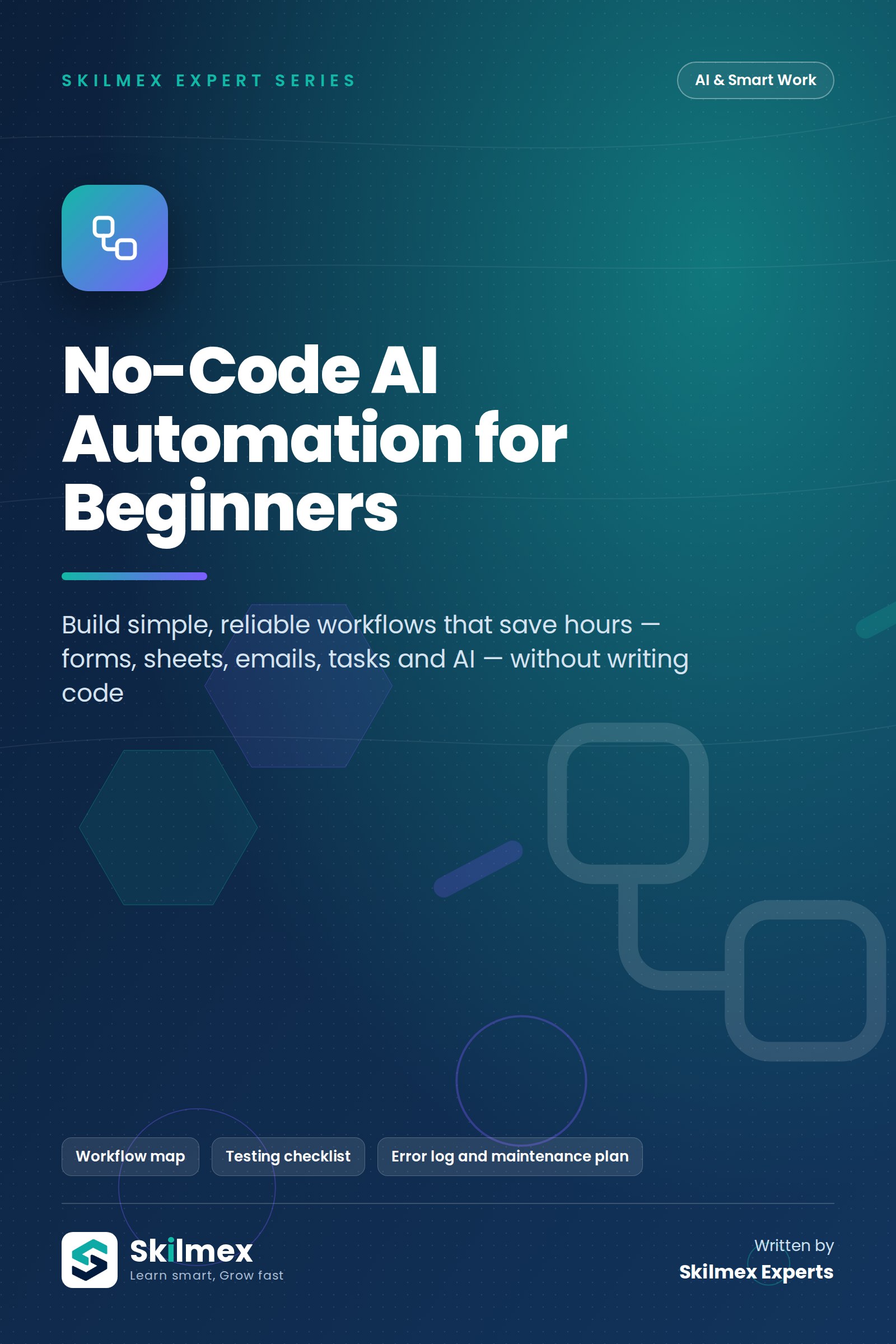
Build simple, reliable workflows that save hours — forms, sheets, emails, tasks and AI — without writing code. Copying form entries into a sheet, sending the same confirmation email, assigning enquiries to staff, sorting messages — these small tasks eat hours every week. This book teaches you to design, build, test and maintain no-code automations step by step, add AI for sorting and drafting, and keep everything private, affordable and under control.
Who this eBook is for
Small-business owners, operations and admin staff, coordinators, creators, trainers and students who repeat the same digital tasks every day and want to automate them safely — without learning to program.
What you will learn
- Decide which tasks are worth automating — and which are not.
- Understand triggers, actions, conditions and data flow.
- Build a form-to-spreadsheet workflow.
- Send email notifications and route tasks to the right person.
- Add AI to categorise messages and draft replies safely.
- Test workflows, handle errors and read logs.
- Control permissions, privacy and running costs.
- Follow a step-by-step build plan for any workflow.
- Maintain automations and prepare for failures.
- Document a complete no-code automation as a final project.
Inside this eBook
- What Automation Is and When to Use It — Automate the boring, repeatable parts — keep humans for judgement.
- Triggers, Actions, Conditions and Data Flow — Learn the four building blocks and you can understand any workflow.
- Forms-to-Spreadsheet Workflow — Your first real automation: every form entry lands in the right place, cleanly.
- Email Notifications and Task Routing — The right message to the right person at the right time — automatically.
- AI-Assisted Categorisation and Drafting — Let AI read, sort and draft — and let humans approve what matters.
- Testing, Error Handling and Logs — A workflow you have not tested is a workflow you cannot trust.
- Permissions, Privacy and Cost Controls — Automation multiplies everything — including mistakes, data leaks and bills.
- Step-by-Step Build Plan for One Workflow — From idea to a live, documented automation in one week.
- Maintenance Checklist and Failure Scenarios — Automations are like machines — they need regular servicing.
- Final Project: A Documented No-Code Automation — Build one real workflow and document it so anyone can run and fix it.
Also included
- Learning objectives, key takeaways and practice exercises in every chapter
- Complete answer key
- Glossary, 30-day action plan and printable workbook pages
- Workflow map
- Testing checklist
- Error log and maintenance plan
Format
Premium PDF, 61 pages, A4 — read online on Skilmex or download your copy. Written by Skilmex Experts, edition 1.0 (2026). For personal use; please do not share the file.